How to list your equipment or service
Everything from registering your organization to confirming your first booking — with screenshots from the app.
Listing on Adatac is self-serve and takes a few minutes once your organization is approved. Follow the steps below.
Step 1: Register your organization
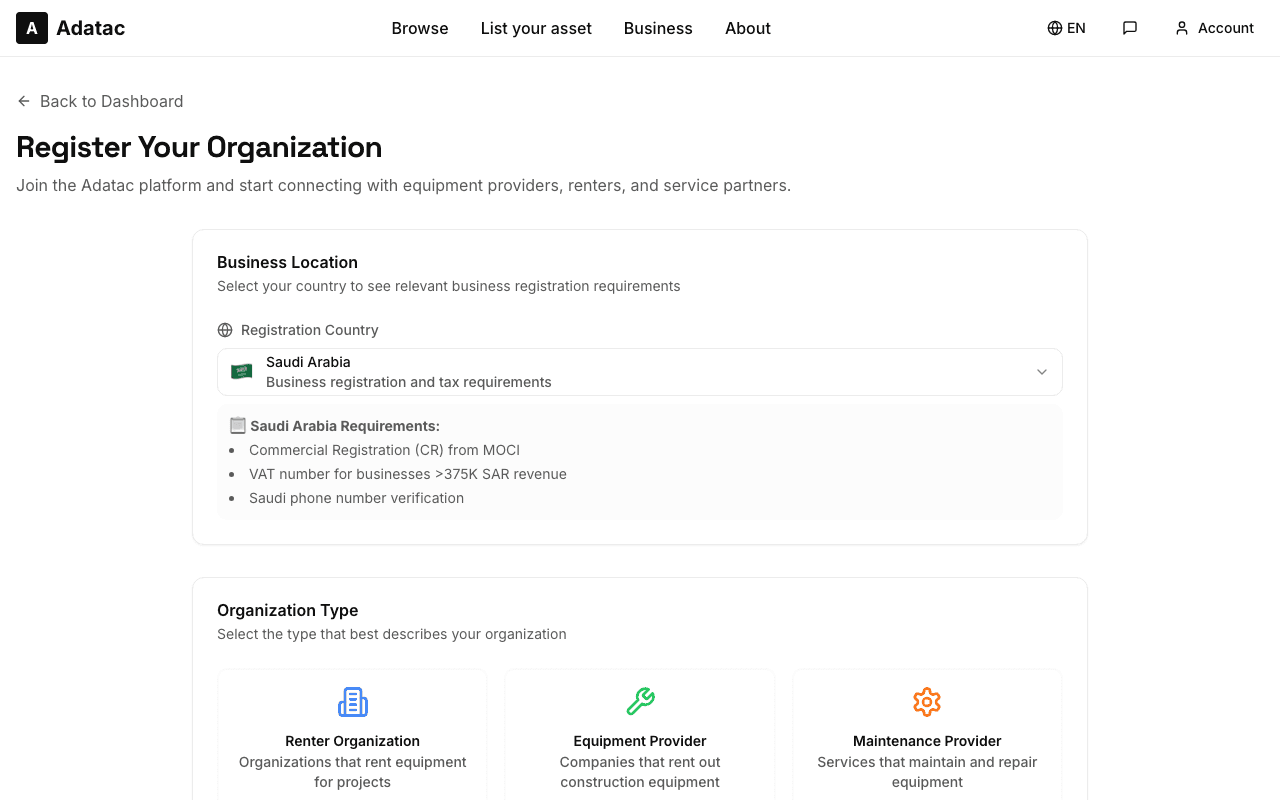
Create an Adatac account, sign in, and open Organization registration. Pick your country, fill in your business details — name, type, contact information, and in Saudi Arabia your commercial registration number — then submit. Your registration is reviewed, and once approved your account gains provider access.
Tips
- Use your official business email — it is used for booking notifications.
- Your registration documents stay private; renters only see your public profile.
Step 2: Open your provider dashboard
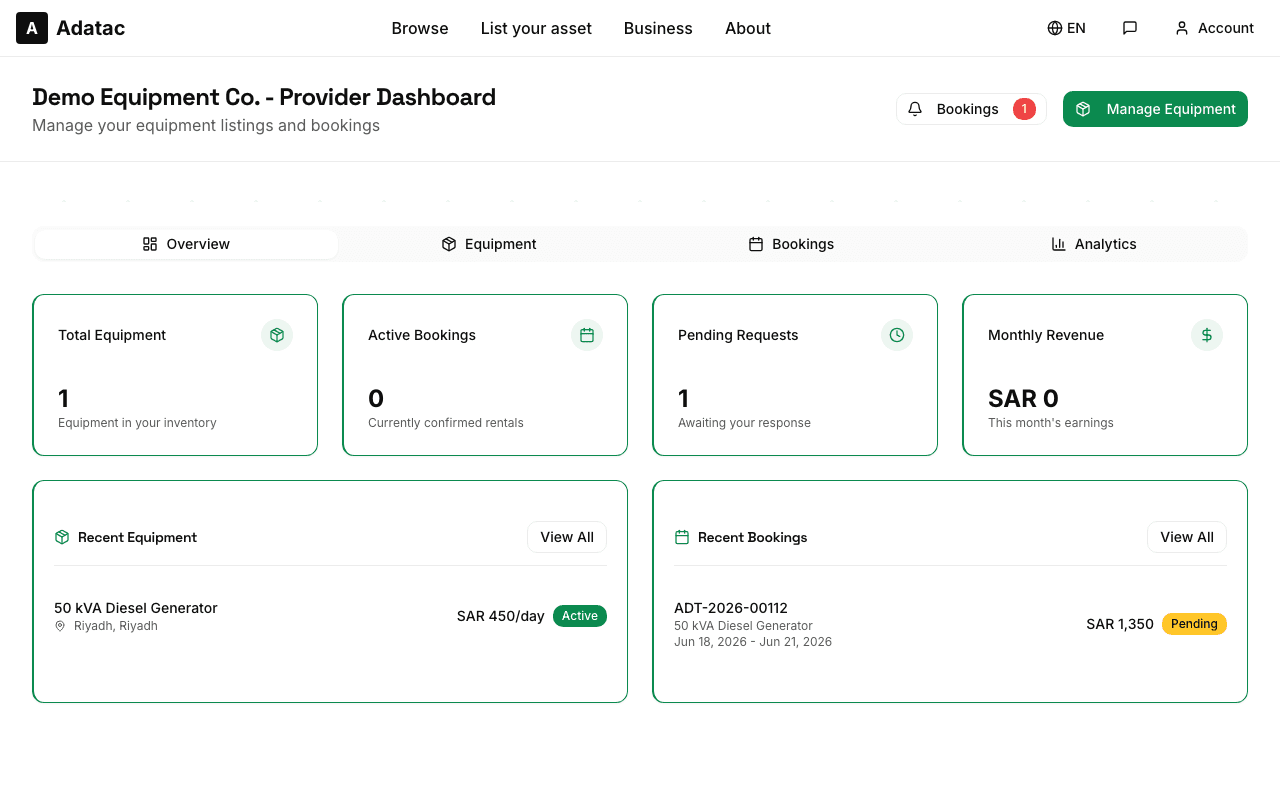
The provider dashboard is your home base: it shows your equipment, recent bookings, and quick links to manage everything. From here you reach My Equipment for physical assets and Services for service listings.
Tips
- Check the dashboard daily — pending booking requests appear here first.
Step 3: Add your equipment
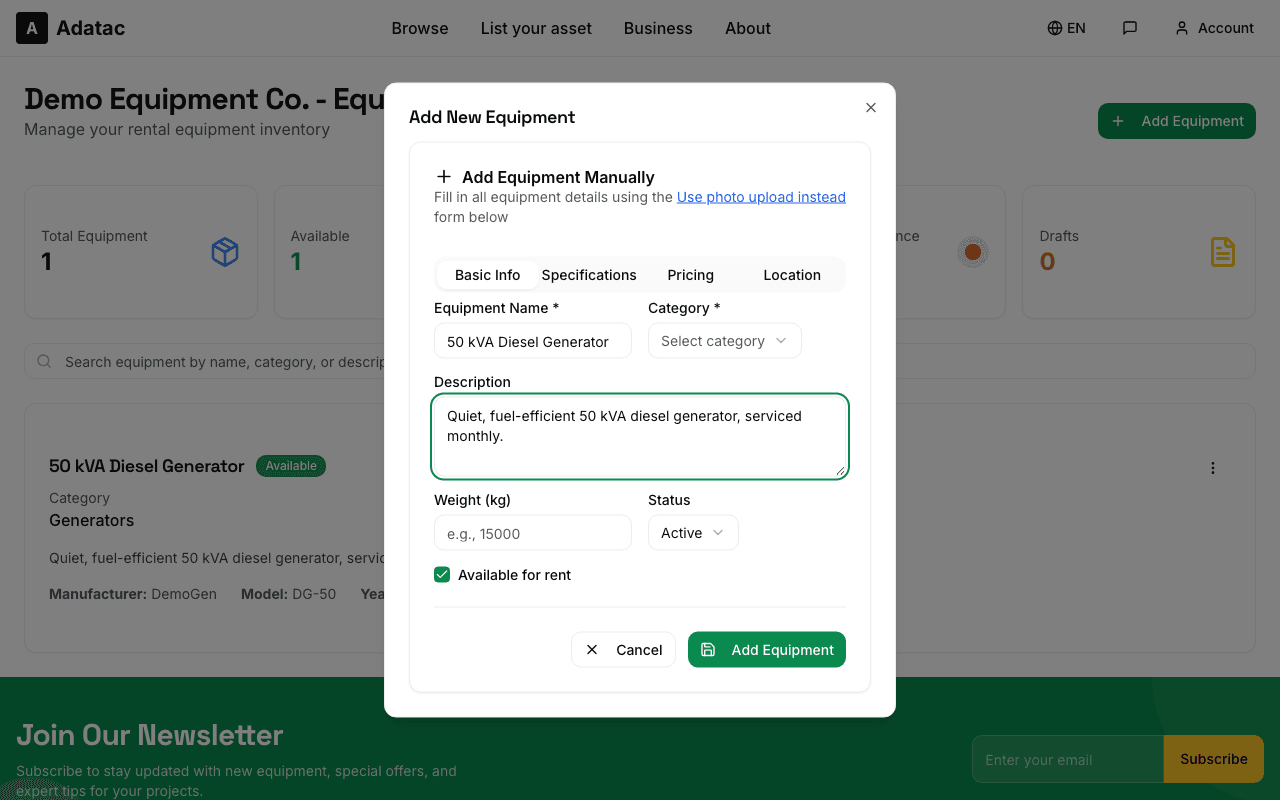
In My Equipment choose Add Equipment. Start on the Basic Info tab: name, category, a clear description, and photos. Upload sharp, well-lit photos — our AI can analyze them and pre-fill the specifications for you. Then complete the Specifications tab: manufacturer, model, year, dimensions, and any operating or safety requirements.
Tips
- A specific name ("50 kVA diesel generator") gets found in search far more than a generic one.
- Fill in safety and operating requirements — it saves back-and-forth messages later.
Step 4: Set your pricing
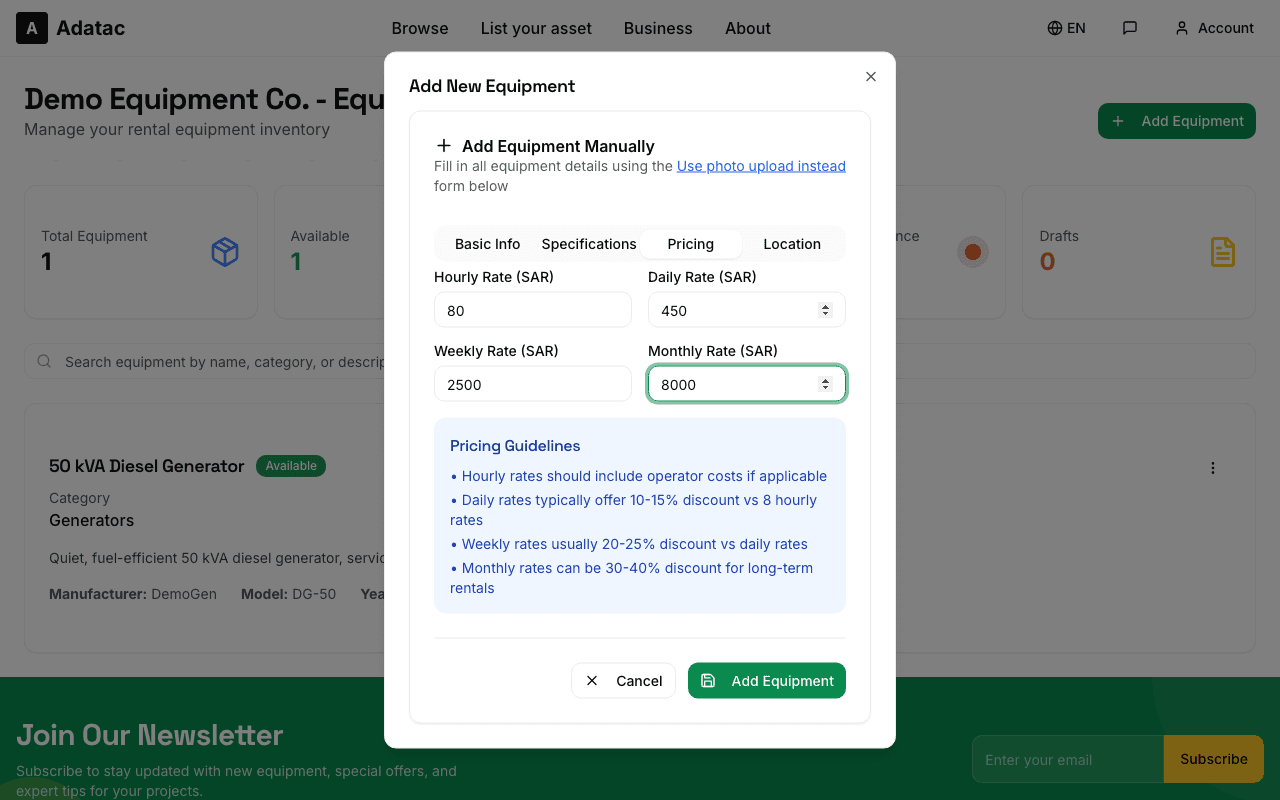
On the Pricing tab enter your rates in SAR. You can offer hourly, daily, weekly, and monthly rates — set every duration you are happy to rent for; longer durations usually carry a discount. Then add the equipment location on the Location tab so renters know where it is based.
Tips
- Leave a rate empty rather than entering 0 — empty means "not offered".
Step 5: Or create a service listing
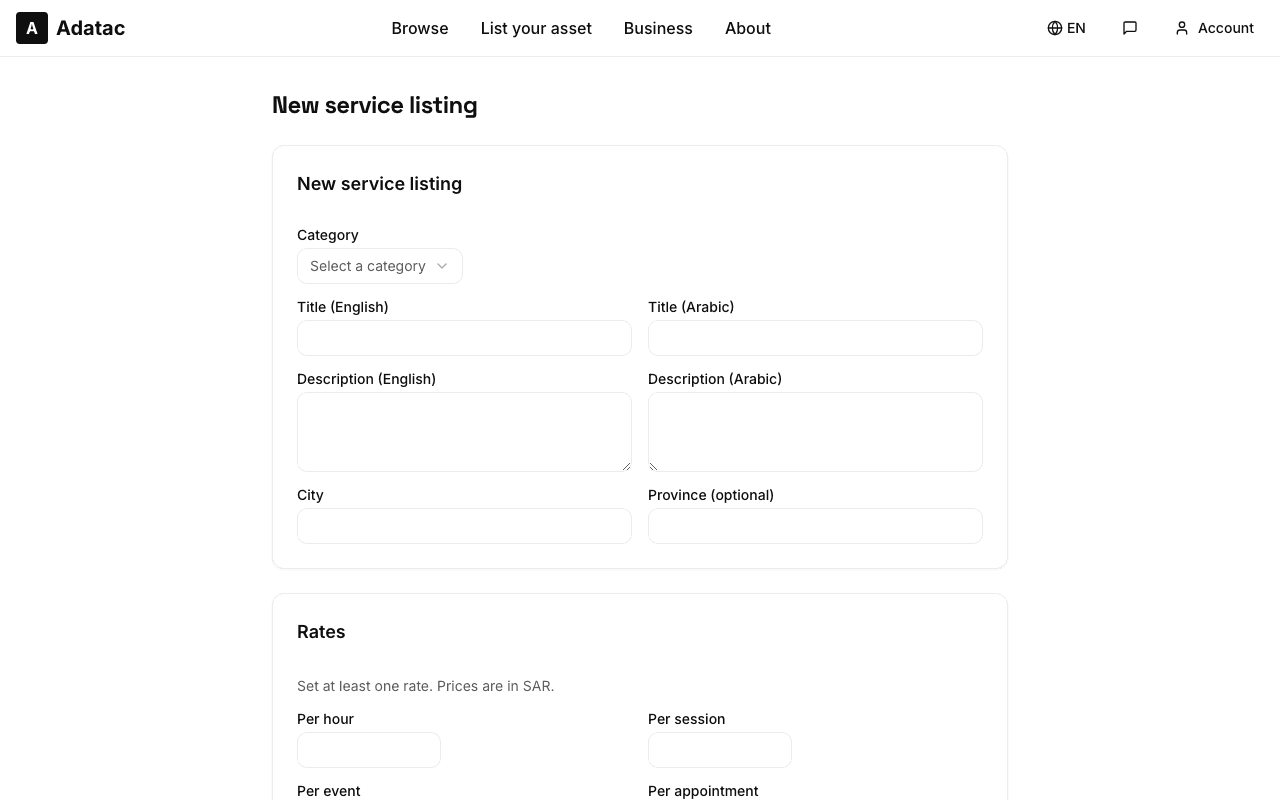
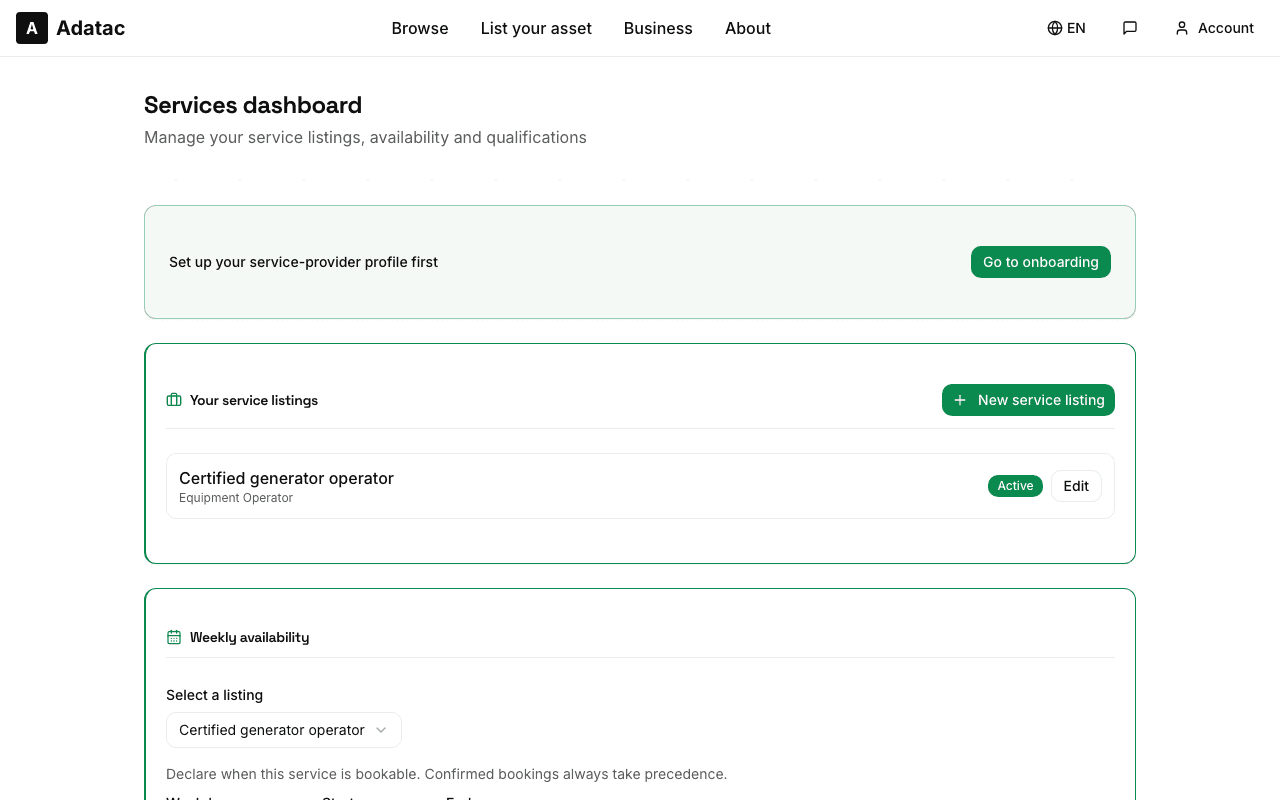
Offering labour or expertise instead of an asset? Open Services in the provider portal and complete the one-time onboarding by adding a qualification for your service category. Then choose New listing: give it a title, description, category, and your rate with its unit (per hour, per session, and so on).
Tips
- Listings are tied to a qualification — add the qualification first or the form will point you to onboarding.
Step 6: Set your availability
For services, use the availability editor on the listing form to mark the weekly time slots you work. For equipment, the Available for rent switch on the form controls whether the item can be booked — turn it off any time the item is out for maintenance.
Tips
- Keep availability honest — declined requests hurt more than a smaller calendar.
Step 7: Publish and check your listing
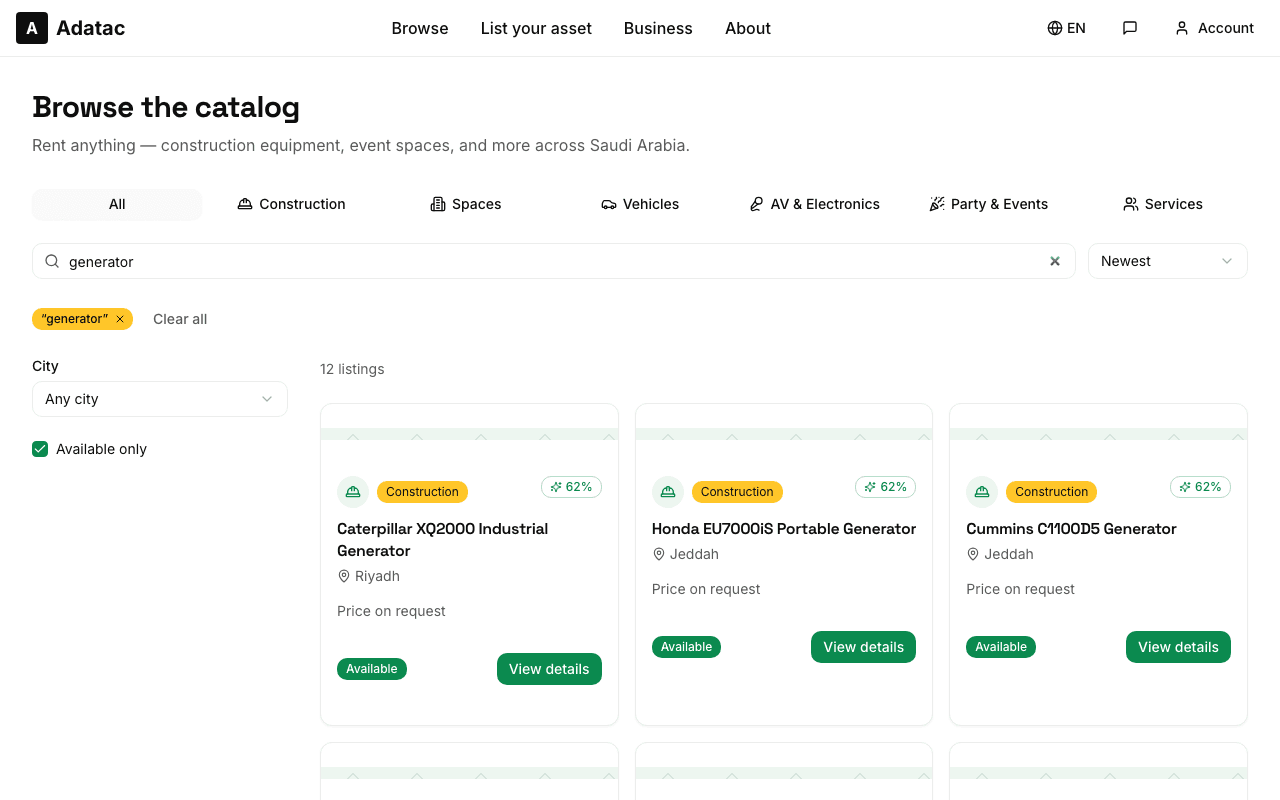
Save the form and your listing goes live in the catalog. Open it from the public browse pages to see exactly what renters see — photos, rates in SAR, specifications, and your public provider profile. Edit any time from the provider portal.
Tips
- Review your listing in both English and Arabic — your renters use both.
Step 8: Respond to booking requests
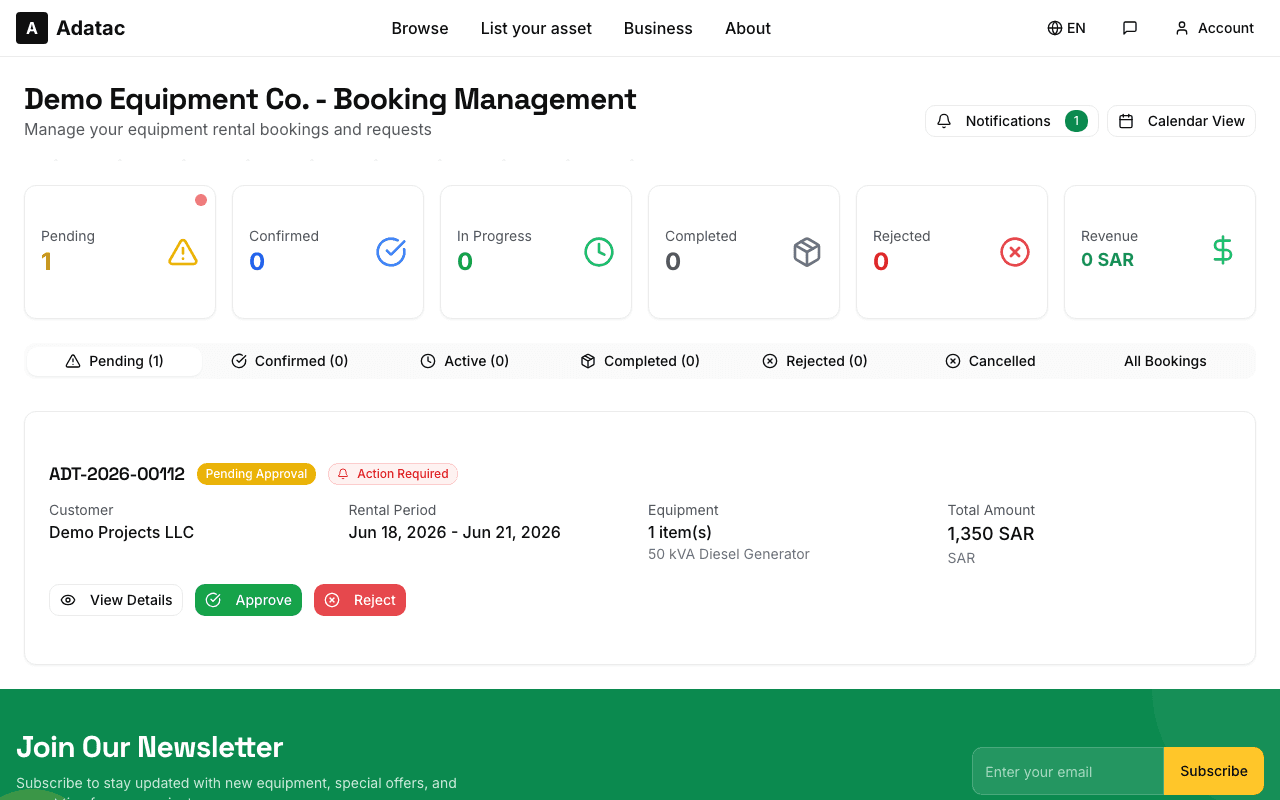
When a renter requests your equipment or service, the booking appears under Bookings in the provider portal as Pending. Review the dates and amount, then Confirm — or decline with a short reason the renter will see. Use the built-in conversation to agree handover, delivery, or any details. Fast responses win repeat customers.
Tips
- Keep all agreements in the Adatac conversation so there is always a record.
Still need help?
Our support team is happy to help with anything not covered here, including payment questions.